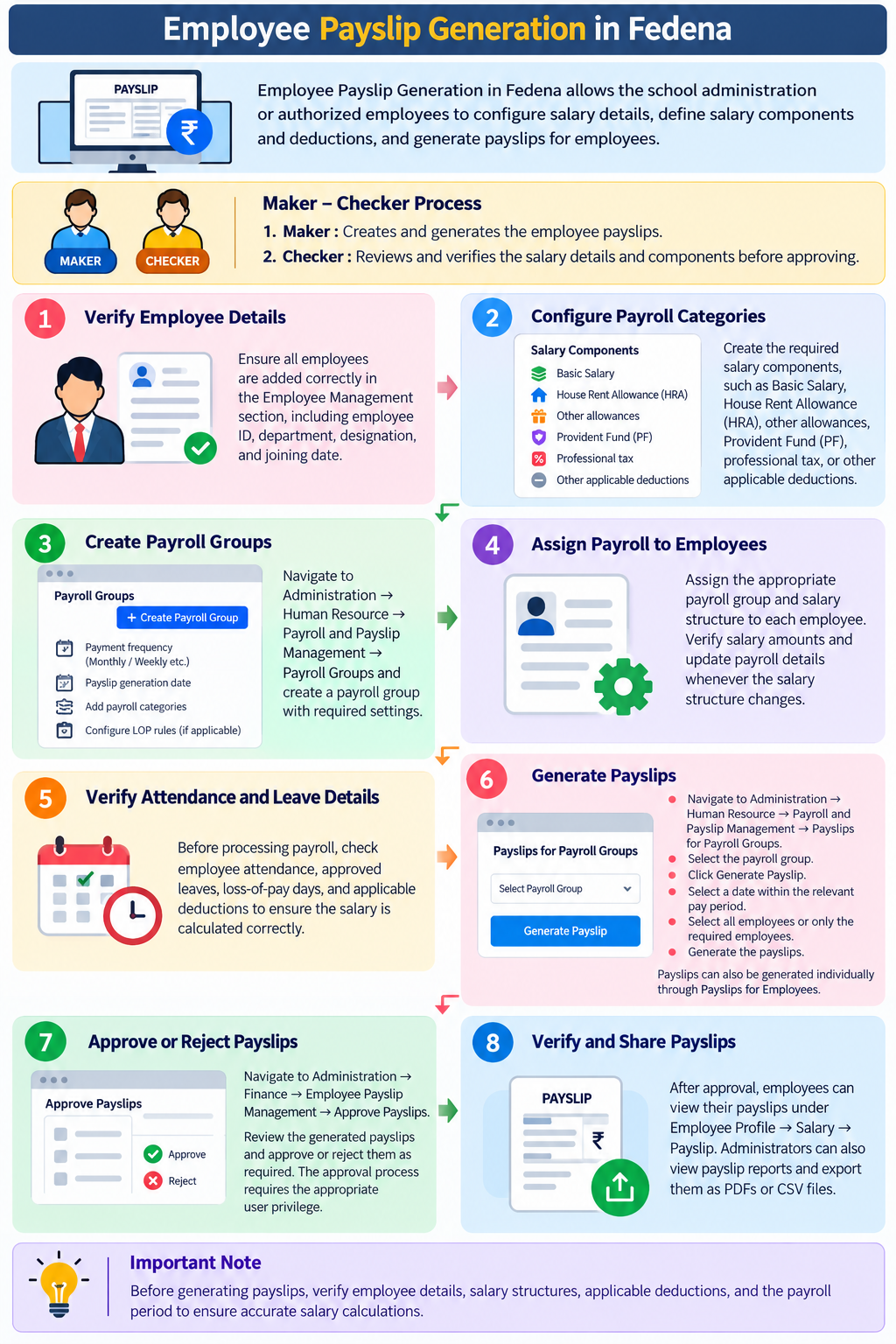
In Fedena, Employee Payslip Generation involves configuring employee salary details, defining payroll components, and generating payslips for employees.
Before generating payslips, the school administration or a privileged employee should verify the employee information, salary structure, deductions, and payroll period.
If the user is a privileged employee, they must have the required access permissions enabled in their profile by the administrator to perform the necessary payroll-related activities.
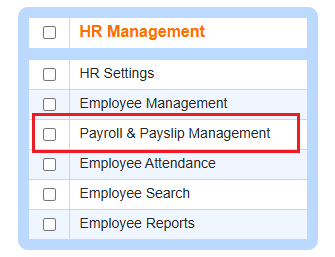
Note: To perform this activity in Fedena, two users are required, following the Maker–Checker process.
- Maker: The user responsible for creating and generating the employee payslips.
- Checker: The user responsible for reviewing and verifying the payslips generated by the Maker, ensuring that the salary values and components are correct before approving them.
Was this article helpful?
That’s Great!
Thank you for your feedback
Sorry! We couldn't be helpful
Thank you for your feedback
Feedback sent
We appreciate your effort and will try to fix the article