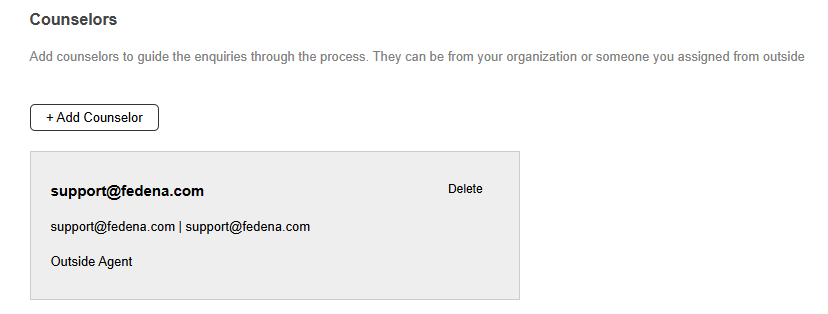
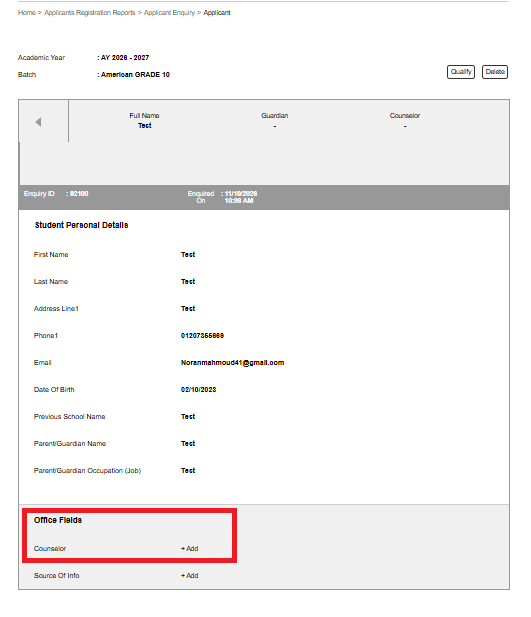
After receiving the enquiries, open each one to add counselor and source of information
Step 1: After receiving a new enquiry, open the enquiry by by following the below step
Menu > Academics >Applicants > Enquiry > Click on the enquiry in 'New' section
Was this article helpful?
That’s Great!
Thank you for your feedback
Sorry! We couldn't be helpful
Thank you for your feedback
Feedback sent
We appreciate your effort and will try to fix the article